Is OtterJSON free?
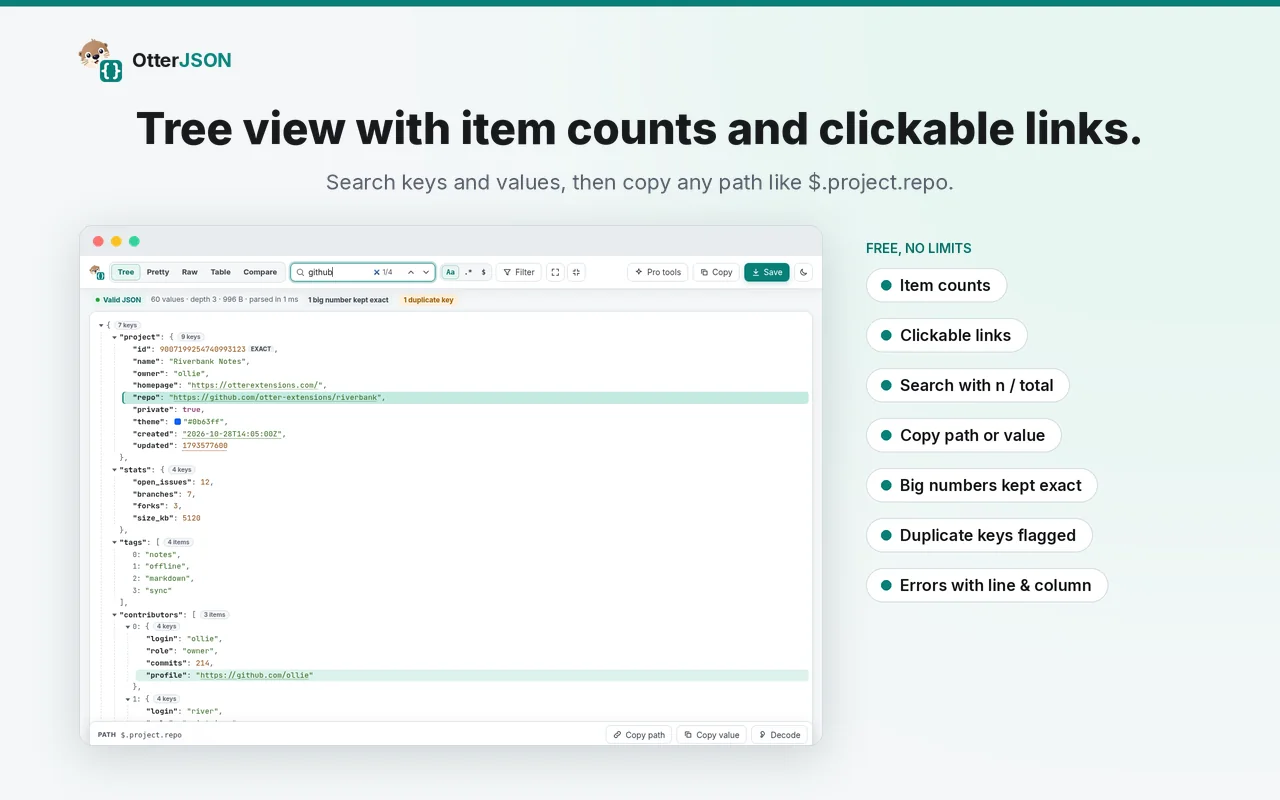
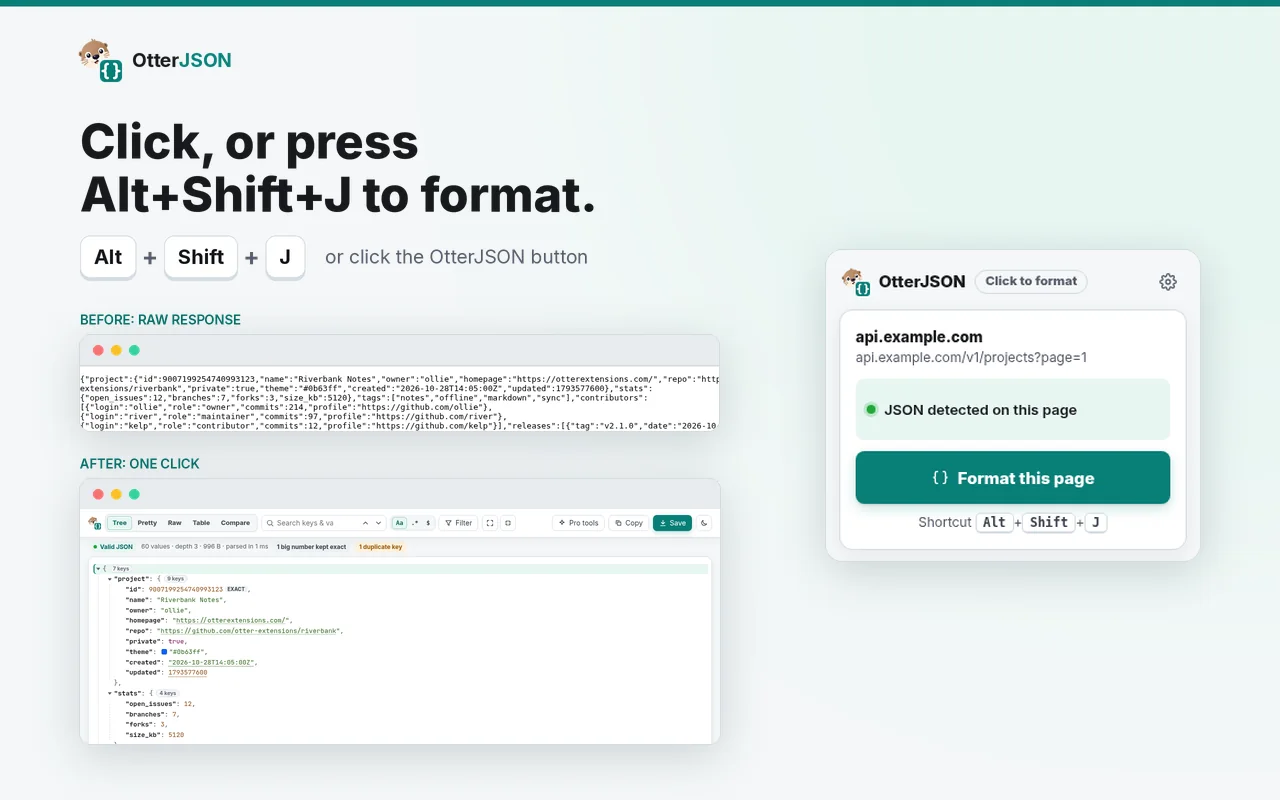
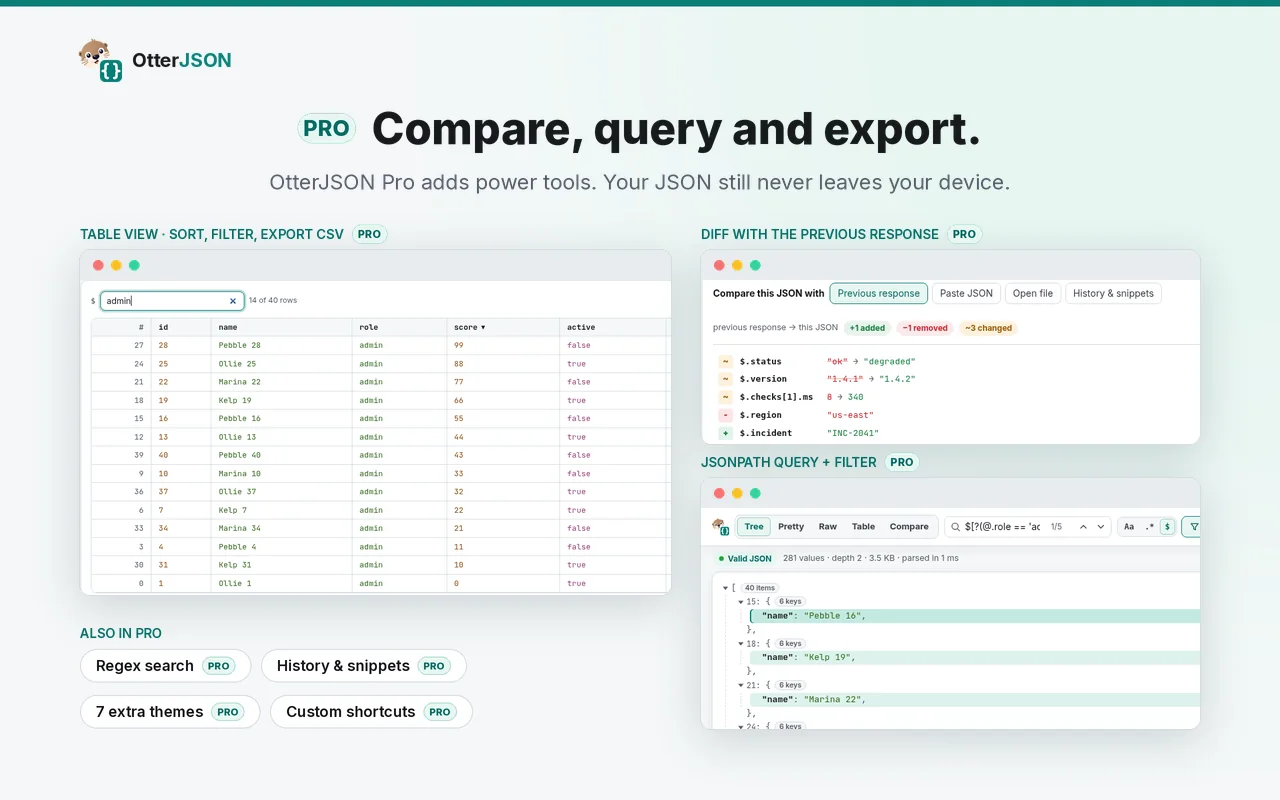
Yes. Formatting, tree view, search and copy path are free with
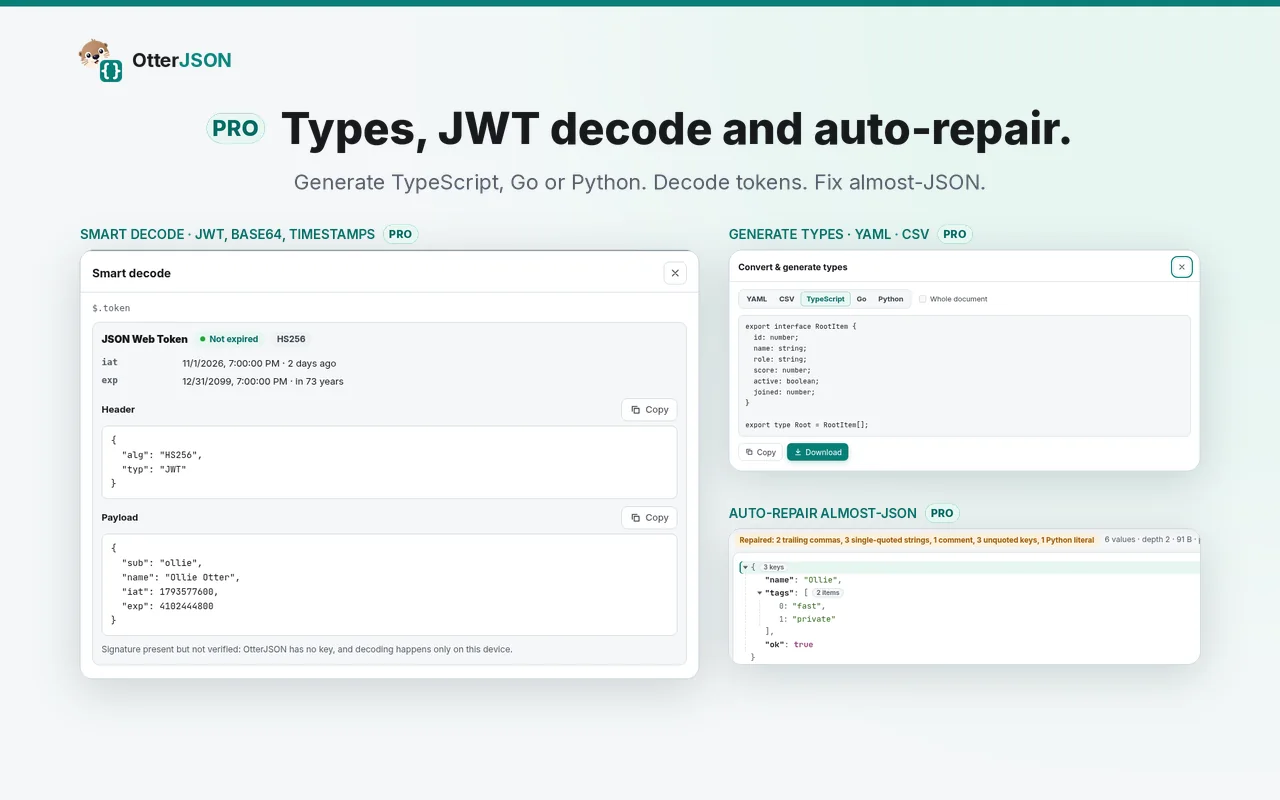
no account or time limit. Pro adds compare, JSONPath, tables,
types, decoding and repair.
Does OtterJSON send my JSON anywhere?
No. JSON is processed locally, including with Pro.
Does it make any network requests?
The free extension makes none. Buying or restoring Pro uses
ExtensionPay to check your license. The check never includes
your JSON or browsing activity. See the
privacy policy.
Why does Chrome mention extensionpay.com when I install it?
ExtensionPay handles Pro licensing. Its purchase confirmation
script runs on extensionpay.com.
Does it need access to all my sites?
Not by default. It reads the tab you choose to format. When you
enable auto-format, Chrome asks for access to all sites. You can
turn it off any time.
Will big numbers be rounded?
No. Large IDs keep every digit, and duplicate keys are flagged.
Can I open local .json files?
Yes. Enable "Allow access to file URLs" in the extension
details, or paste or drop the file into the viewer.
Is Pro a subscription?
No. Pro is a one-time purchase. See
Pricing.
Does Pro work offline?
Yes. Your Pro status is saved on your computer after purchase.
How do I use Pro on a new computer?
Install OtterJSON, open Options and choose "Already paid?
Restore" or use "Restore purchase" from a Pro tool. Use the
email you purchased with.
Where doesn't it work?
Chrome blocks extensions on chrome:// pages, the Chrome Web
Store and other extensions' pages.
I need help or have an idea.
Email
support@espinallab.com.
 OtterJSON