Is OtterRefresh free?
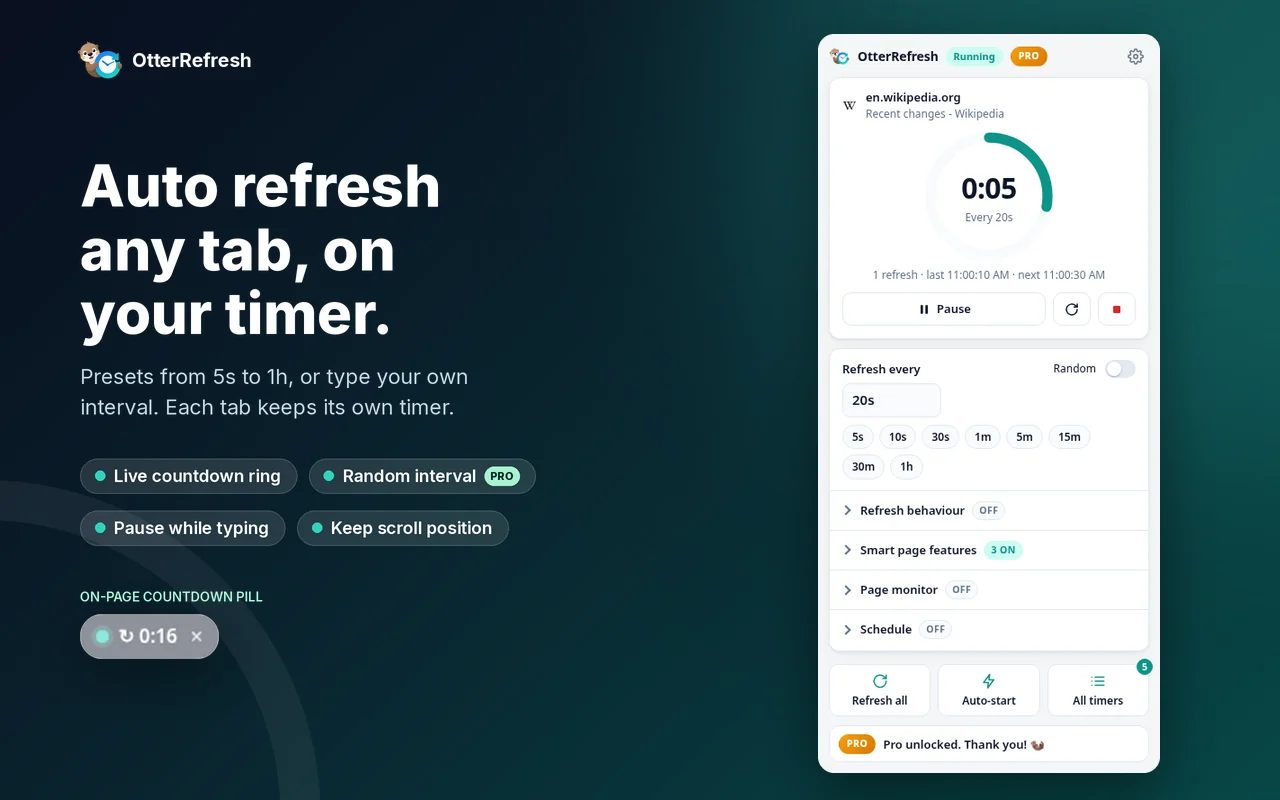
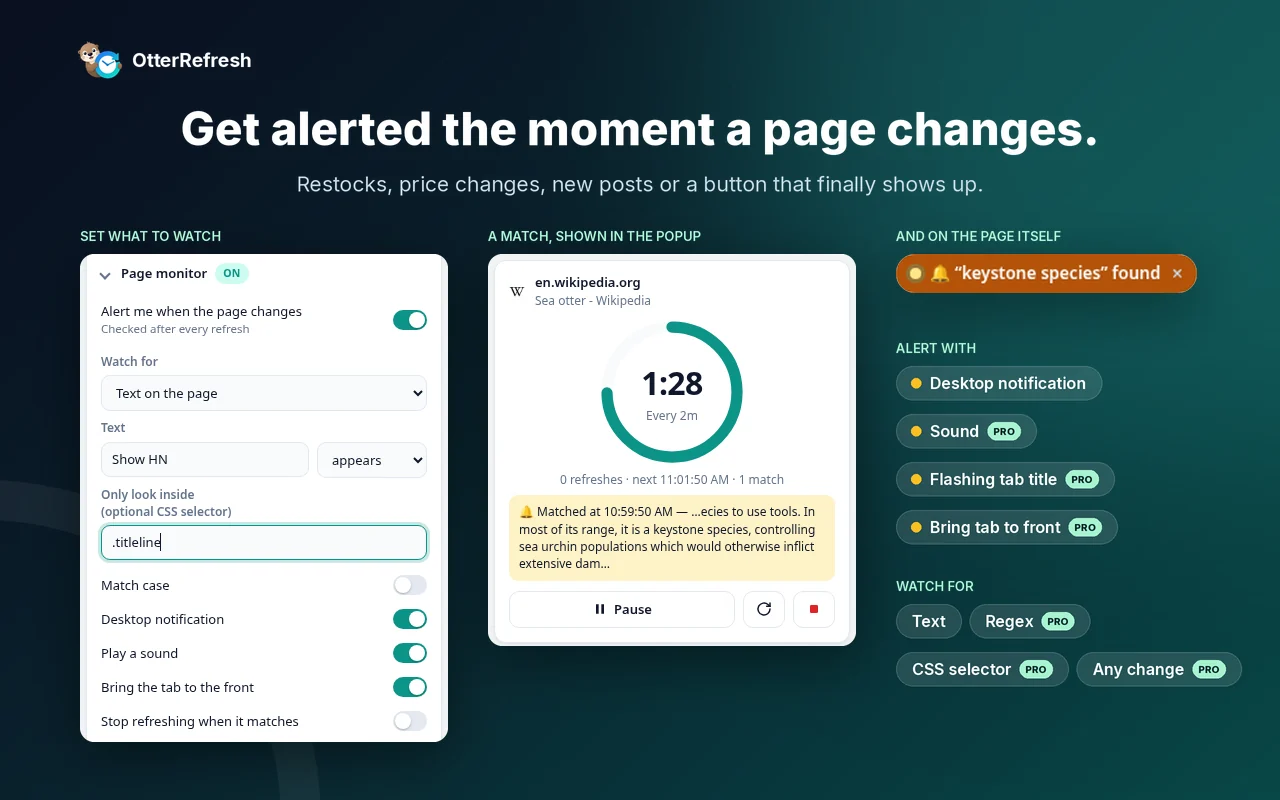
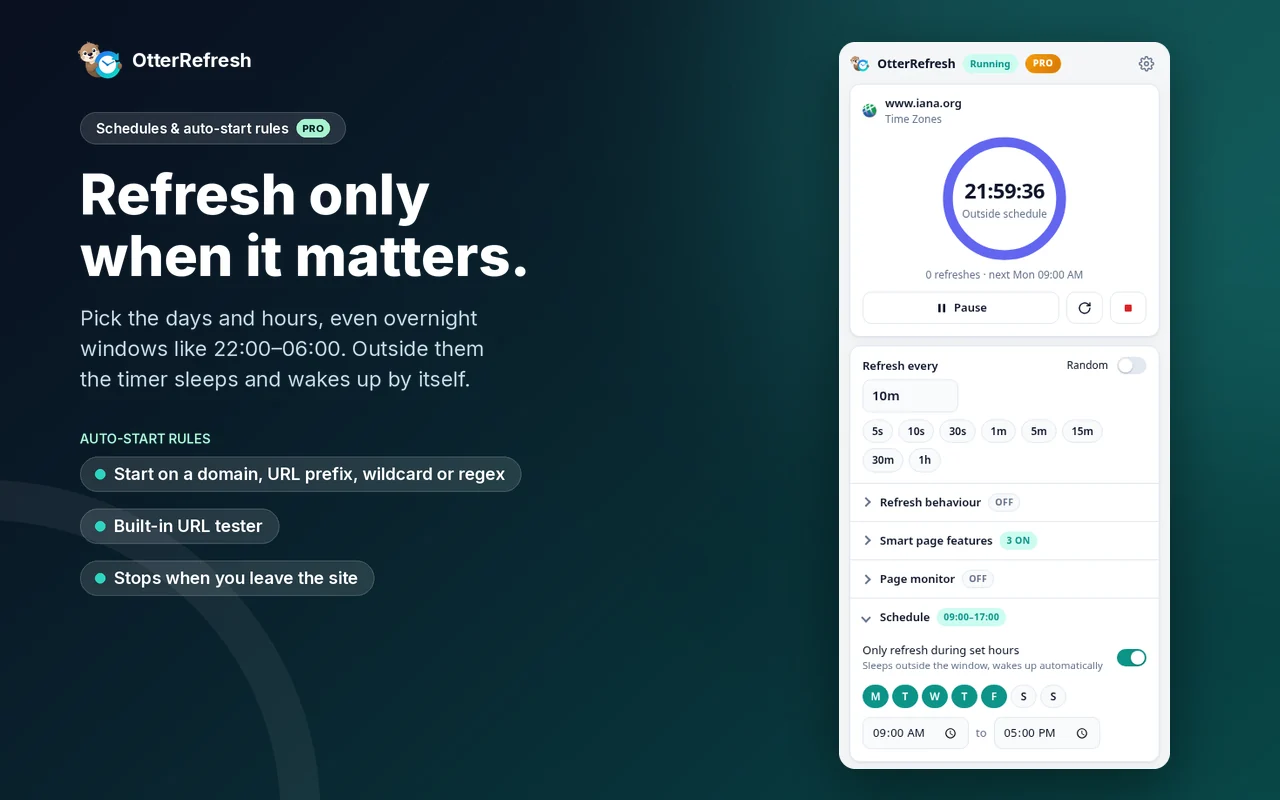
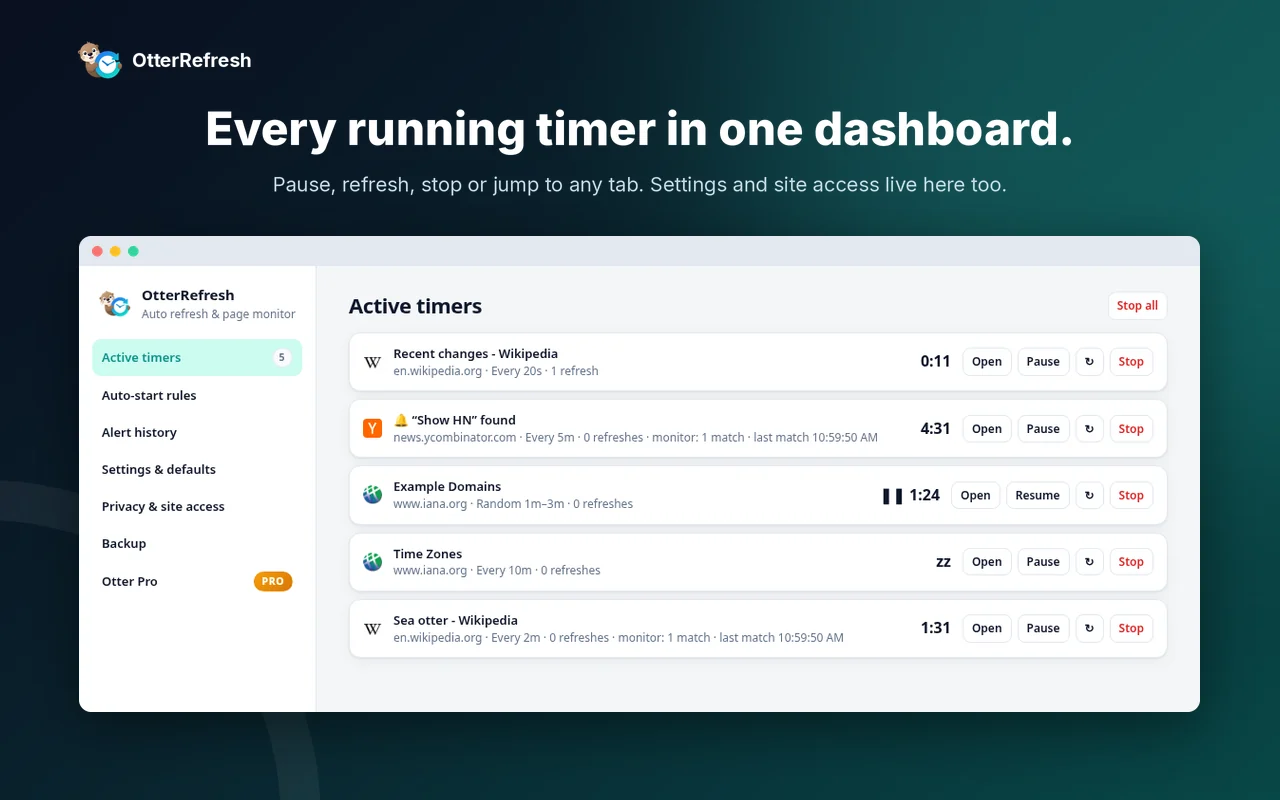
Yes. The free plan auto refreshes up to 3 tabs at once and watches 1 page for text to appear, with no account and no time limit. Pro is an optional one-time upgrade for unlimited tabs and monitors, schedules, auto-start rules and stronger alerts.
Will it lose what I'm typing?
No. OtterRefresh pauses the timer while you type in a form and resumes after you stop (15 seconds by default).
Does it work in background tabs?
Yes. Timers keep running on tabs you're not looking at, and Pro can refresh only while a tab is in the background.
How short can the interval be?
The presets go from 5 seconds to 1 hour, and you can type a custom interval from 1 second up to 7 days. Very short intervals (under about 30 seconds) can drift by a second or two.
Do I need to create an account?
No. Install it and start. If you buy Pro, ExtensionPay asks for your email, so you can restore the purchase later.
What data does OtterRefresh collect?
OtterRefresh has no analytics or tracking. Page monitoring runs locally, and your settings, rules and alert history stay in your browser. Pro licensing uses ExtensionPay; purchases are processed by ExtensionPay and Stripe. Normal page refreshes still connect to the websites you visit. See the privacy policy.
Why does Chrome mention extensionpay.com when I install it?
ExtensionPay is the payment provider for Pro. The extension includes its small library, which runs only on extensionpay.com to confirm a purchase. It doesn't run on any other site.
Is Pro a subscription?
No. Pro is a one-time payment. Pay once and keep it. The current price is in the Pricing section above.
How do I use Pro on a new computer?
Install OtterRefresh, open the popup and choose “Restore purchase”, then log in with the email you used to buy.
What happens to my timers when I close Chrome?
Timers stop when Chrome closes. With Pro, auto-start rules start them again when you reopen a matching site.
I need help or have an idea.
Email support@espinallab.com.
 OtterRefresh